
A name shows up in a court’s online case search and again on a third-party case site, and the owner wants to know how to remove court records from the internet.
Quick answer: removal is possible but can be tricky, and it works in layers. Start with the court that holds the source record, then deal separately with each outside site and search result that copied it. A court action does not automatically reach those copies.
This guide covers the cleanup of court-linked pages. For mugshots specifically, see how to remove a mugshot from the internet.
Why court records stay online
Court records are files created and held by a court, and many courts publish case information through public search tools under a public access policy. That policy is why a case can be found by name without any request. The record on the court’s own site is the source. Everything else online is a copy or a reference to it.
Data aggregators are the main reason a problem outlasts a court fix. These are third-party sites that collect case details and republish them on their own pages. Each one is a separate publisher with its own page and its own process. A court can change what it holds, yet a copy already published elsewhere stays live until that site or the search engine acts on it.

One UK legal site describes removing court records from the internet as a tricky process that is still possible with the right steps. It also calls removal from Google “always a challenge”. Expect a sequence of separate requests rather than one fix.
Find the court-held source record
The first job is to know exactly what exists and where. Requests to the court and to outside sites both need precise details, so this inventory comes first.
- Search the court’s own portal. Look up the name and note what the public view shows, such as the case caption, party names and case type.
- Record each public copy. Save the address of every aggregator page and search result that repeats the case. Keep these in one list, grouped by site.
- Note the case identifier. A court clerk can act on a case reference far more easily than on a name alone.
- Separate the record from the coverage. A news article about a case is a different publication from the court file. It follows a different path, covered below.
This list becomes the checklist for the rest of the process. Without it, copies on smaller sites tend to be missed and reappear in search results.
Ask the clerk of court about corrections and name removal
The simplest intervention is a direct, polite request to the court’s clerk or administrator. This suits an error, a duplicate entry, or a name listed on a court website where the court may be able to change what its public view shows. Courts set their own procedures, so the court’s website is the place to find the correct contact route and any required form.

What to include in the request
- The case identifier and court name. These let staff find the exact entry.
- The specific change wanted. Ask for one thing, such as correcting a name, removing a duplicate or restricting the online view. Vague requests are easier to refuse.
- The reason. State plainly whether the entry is wrong, whether an order already limits access, or whether another legal basis applies.
- A supporting document. If an order exists, attach it so the clerk can act on it directly.
Putting the request in writing
Send the request by email or letter so there is a record of it. Keep the reply, because outside sites often ask for proof of what the court decided.

If the court refuses, or says the entry is public under its access policy, that answer decides the next step. A refusal on public-access grounds is a limit on what can be removed at the source, not a reason to stop dealing with copies elsewhere.
Sealing and why a sealed record can still be online
A sealing order restricts access to the court’s own file. It is a stronger remedy than an administrative correction, and it typically needs a formal application and a decision by a judge. Whether a case qualifies depends on the jurisdiction and its rules, so a local attorney or the court’s self-help resources are the right place to confirm eligibility.
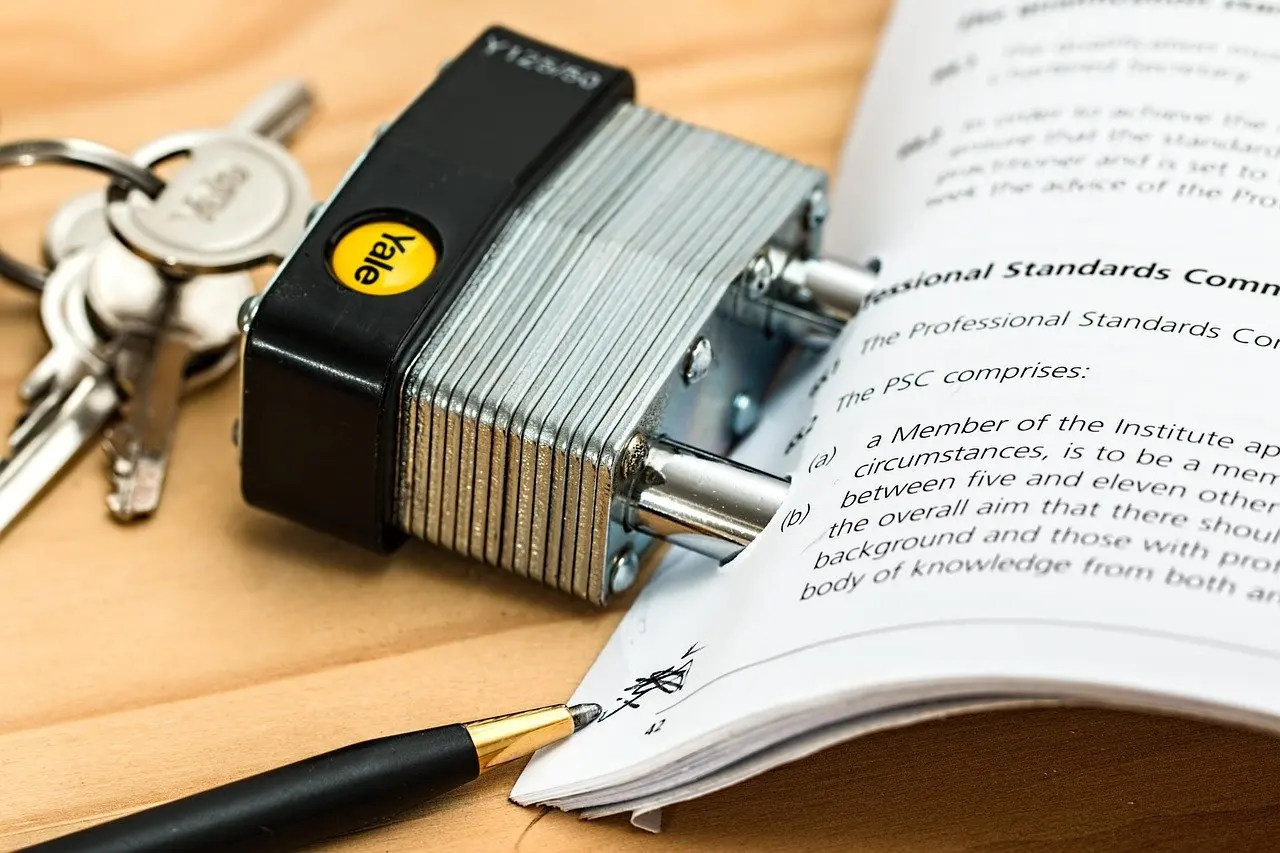
The common surprise is a sealed record still online. The order governs the court’s file, while an aggregator’s page was built from data collected earlier and is a separate publication. After an order is granted, the practical sequence is:
- Obtain a copy of the signed order from the clerk.
- Confirm the court’s public portal no longer shows the case.
- Send the order to each aggregator on the inventory list and ask for removal or an update.
- Request delisting of any remaining search results, as described in the next section.
Doing the court step first matters because every later request is stronger when it can point to a court action rather than only a preference.
Clean up aggregator pages and search results
Aggregator sites usually publish a contact or opt-out route. Use the address on the page, cite the case identifier, attach the court’s order or reply, and ask for removal of that specific page. Keep a log of each request and its date so follow-ups are simple.
Search engines are a separate stage. The UK legal site notes that Google sometimes refuses right-to-be-forgotten requests. In its worked example, Google first declined to delist articles on public-interest grounds, with national newspaper publication cited as part of the reasoning. After a formal GDPR request, Google agreed to delist most of the URLs, according to that account of the case. The lesson is practical: a first refusal is not necessarily final, and a well-argued formal request can change the outcome for most, though not necessarily all, of the pages.
The same logic applies to image-led results. For mugshot pages in search, how to remove a mugshot from google sets out the search-side steps in detail.
When to escalate and when to stop
Escalate when the simple routes have produced a documented refusal, or when a request keeps being turned down without a clear reason. The UK legal site advises seeking legal advice from solicitors who specialise in this field after refused requests. Specialist help suits a contested public-interest argument, a sealing application, or many copies across sites. A mugshot removal attorney is one route for arrest-related records, and the same page explains how to judge an attorney’s offer.
Consider stopping or pausing in these situations:
- The court has refused on public-access grounds. Without a sealing order or another legal basis, outside sites have little reason to act, so a sealing application or legal advice is the next move rather than more requests.
- The remaining pages are news coverage. A publisher’s article is a different publication from the court file. Search engines may weigh public interest and the outlet’s standing, as in the national newspaper example above.
- Every reachable copy has a documented response. Once each page on the list has been removed, refused or delisted, repeat the search occasionally and re-send the court’s order only to any new copy that appears.
Frequently asked questions
Can court records be removed from the internet?
Yes, in many cases, but it takes several steps. The source record is dealt with through the court, and copies on aggregator sites and in search results need their own requests. Some requests will be refused, so results vary.
How do I get my name removed from a court website?
Contact the clerk or court administrator in writing, using the route on the court’s website. Give the case identifier, the exact change wanted and the reason, and attach any order. If the court declines, a specialist legal adviser can assess whether sealing or another remedy applies.
Does sealing a case clear it from every website?
No. A sealing order limits access to the court’s own record. Aggregator pages and search results are separate publications, so the order should be sent to each one with a removal request.
What if Google refuses to delist a court-related page?
A refusal can be challenged. In the example described by a UK legal site, Google first cited public interest and later delisted most of the URLs after a formal GDPR request. Legal advice is the sensible next step after repeated refusals.